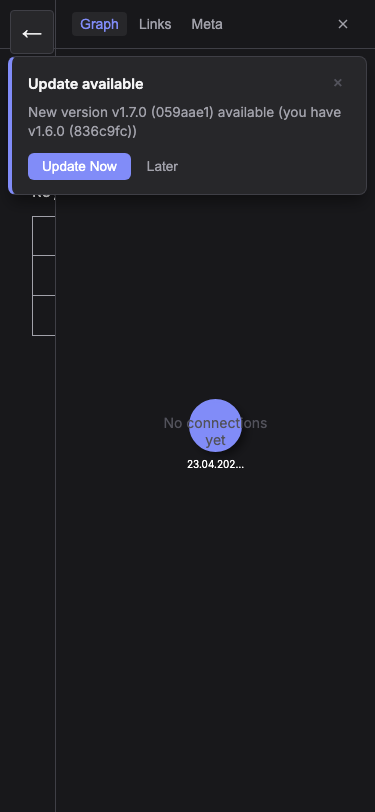
Graph View
See how your notes are connected in an interactive knowledge graph. Discover patterns and navigate your ideas visually.
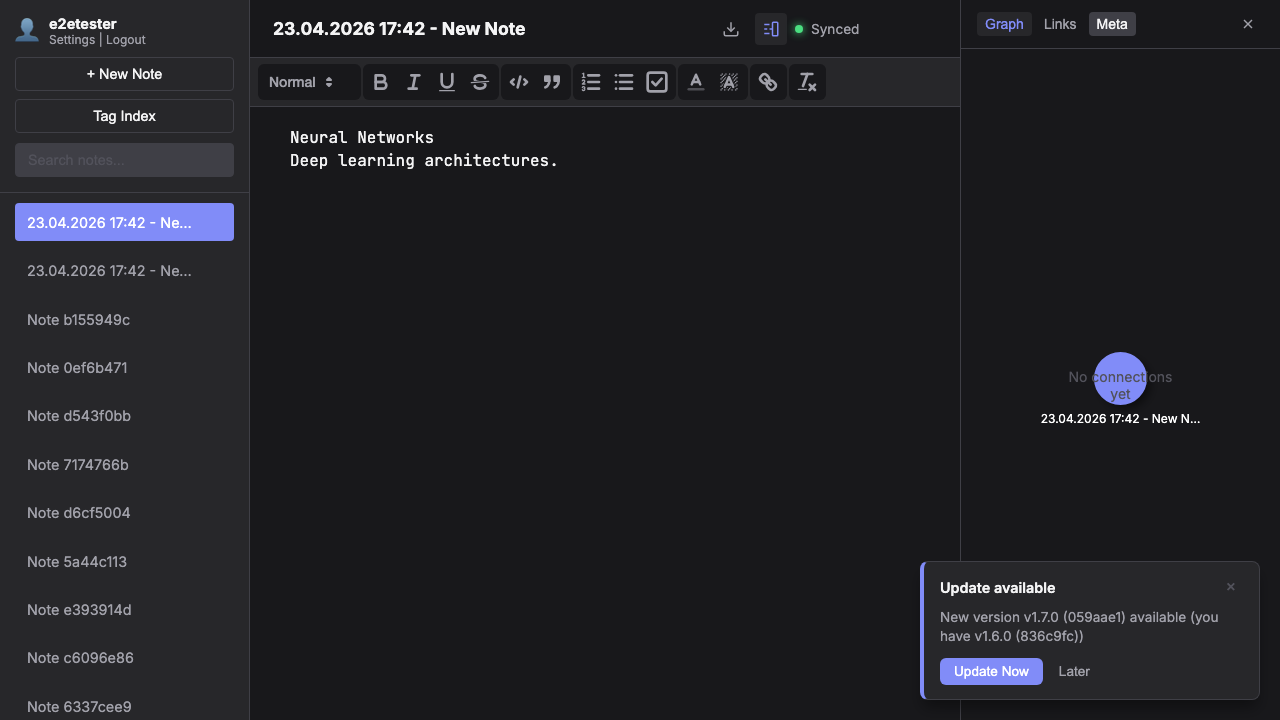
Your Knowledge Network
The graph view shows your current note at the center with all connected notes radiating outward — up to 5 degrees of separation. Each node represents a note, and each edge represents a wiki link between them.
Interactive Navigation
Click a node to see a preview card with the note's title and excerpt. Click it again to open the note. Zoom with scroll, pan by dragging the background. The graph updates automatically as you navigate between notes.
Performance & Design
The graph uses force-directed layout with physics simulation that runs only during initial positioning, then stops to save resources. Node sizes reflect connection count, and the current note is highlighted with a distinct color.