Powerful Tagging
Organize your notes with #tags. Browse, filter, and discover related content through your personal tag taxonomy.
Adding Tags
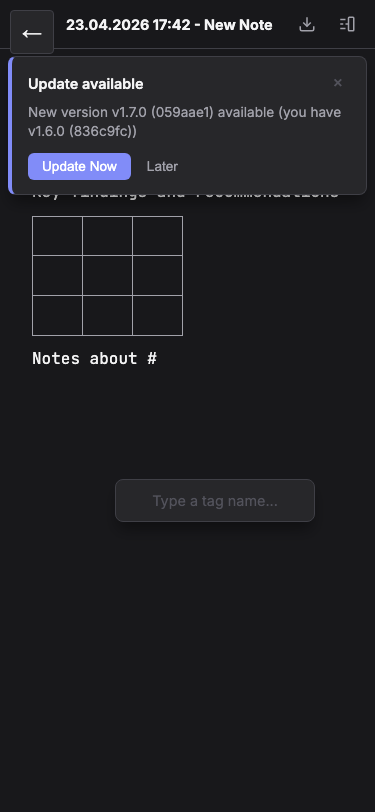
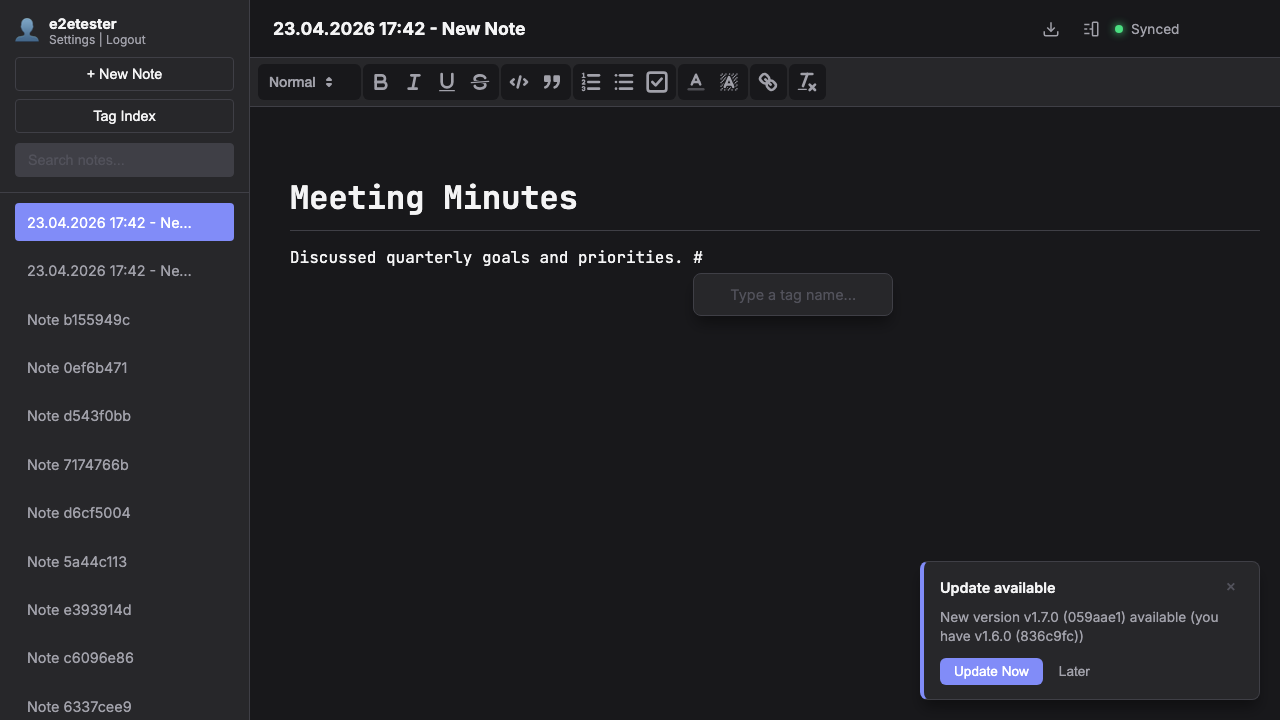
Type # followed by a tag name anywhere in your note. Tags are automatically extracted and indexed. Use the slash command /tag to trigger the tag autocomplete with suggestions from your existing tags.
Tag Index & Filtering
The sidebar shows a complete tag index with all your tags and note counts. Click any tag to filter your notes list. Combine multiple tags to narrow down results and find exactly what you need.
Tag Autocomplete
When you type #, an autocomplete popup appears with your existing tags sorted by frequency. This helps maintain consistency and prevents duplicate tags with slightly different spellings.