Wiki-Style Links
Connect your thoughts with [[wiki links]] and build your personal knowledge network.
Creating Links
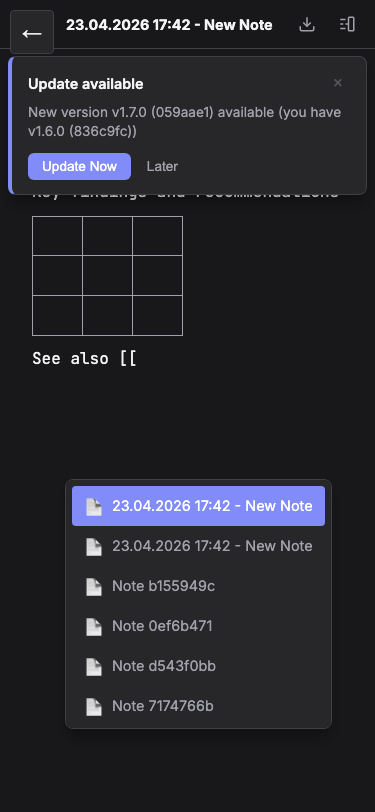
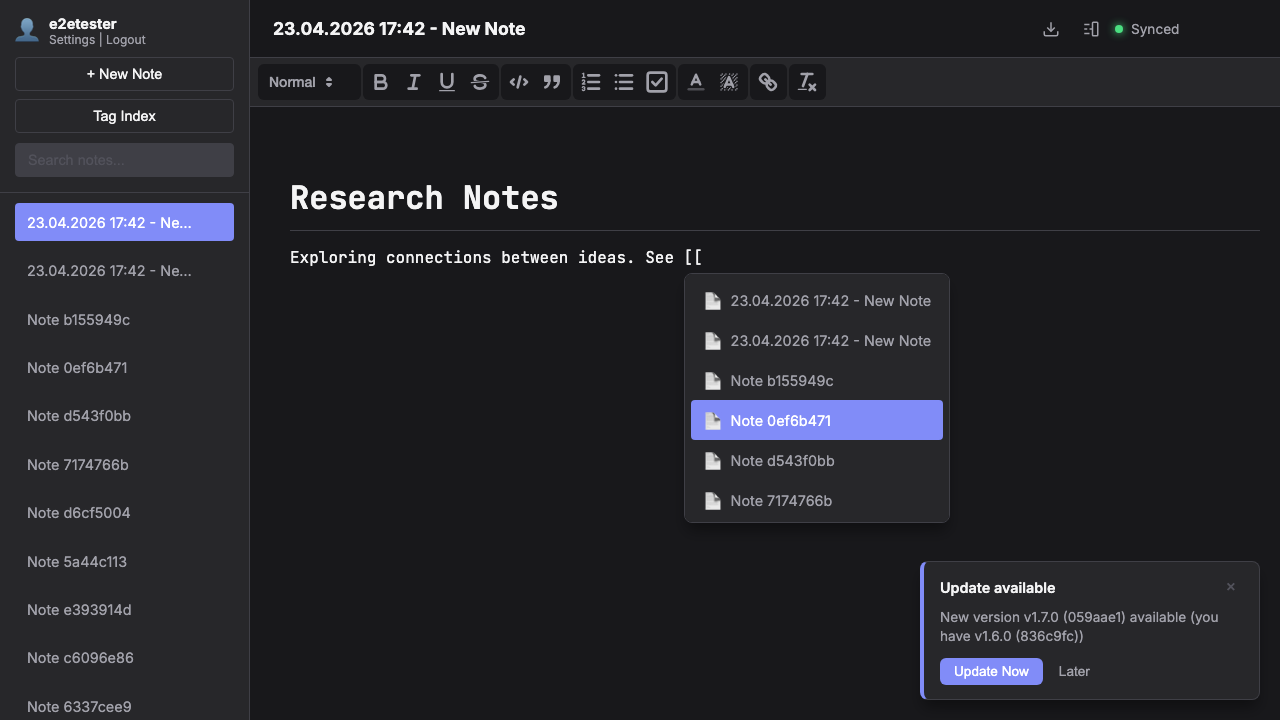
Type [[ to open the note link autocomplete. Start typing a note title and select from the suggestions. Links are bidirectional — the linked note automatically shows a backlink to the source note.
Autocomplete & Navigation
The autocomplete popup searches across all your note titles in real time. Use arrow keys to navigate and Enter to insert. Click any wiki link in your notes to instantly jump to the linked note.
Backlinks & Connections
Every note shows its backlinks — notes that reference it — in the right panel. This creates a web of connections that helps you discover relationships between ideas you might have forgotten.